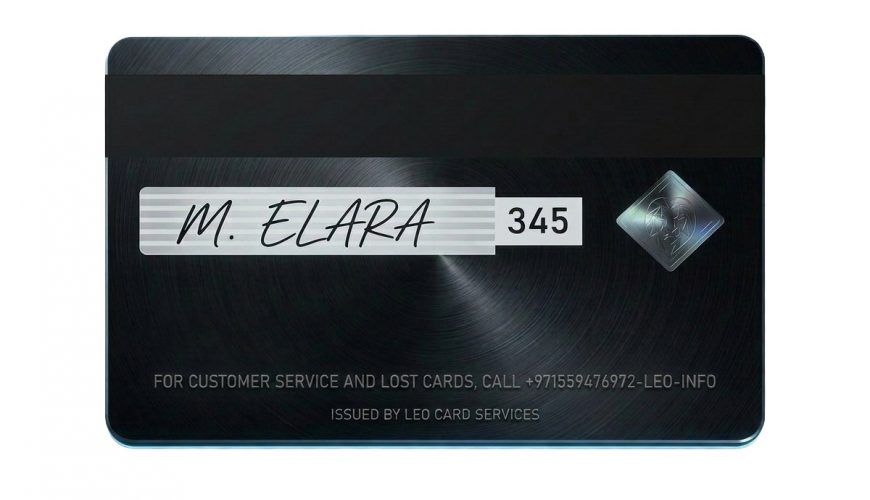
A crypto Visa card can make spending digital assets feel as simple as using any traditional payment card. However, convenience also makes security a top priority. From encrypted transactions and fraud monitoring to secure authentication and real-time alerts, multiple layers of protection can help keep your funds and card details out of the wrong hands.
But how do these safeguards actually work, and what should you look for when choosing a crypto Visa card? Read on to learn about the security protocols designed to protect your crypto while you spend.
Real-time transaction alerts
Transaction alerts give users quick updates whenever a payment takes place. A notification may show the purchase amount, merchant, and transaction time. Users can check these details right away and report unfamiliar activity before further spending occurs. Instant alerts also help users track their balance and spot unusual purchases early.
Multi-factor authentication
Multi-factor authentication adds another security step during account access. A password alone does not provide the full protection. The system may ask for a code, fingerprint, face scan, or another approved check. This makes account access harder for criminals who obtain login details through scams or data leaks.
Fraud detection systems
Payment providers monitor transaction patterns to identify unusual activity. A sudden purchase from an unfamiliar location, repeated failed attempts, or an unusual spending amount may trigger a security review. Automated systems compare current activity with normal account behavior and may block suspicious payments until the user confirms them.
Secure card details
Modern crypto payment cards use security measures that help protect sensitive card information. Tokenization can replace actual card details with unique digital values during certain transactions. This reduces exposure of the original information during payment processing. Users should also avoid saving card details on unfamiliar websites or sharing them in messages.
Spending controls and limits
Spending controls give users another layer of protection. Users may set daily limits, freeze a card, or restrict certain transaction types from an app. A quick card freeze can stop further purchases after a lost card or suspicious payment. These controls give users direct access to important security settings.
Safe user habits
Technology works best alongside sensible account habits. Users should keep passwords private, activate available security features, and update account apps regularly. Public Wi-Fi can also expose users to added risks, so trusted connections offer a safer option for account access. Users should ignore messages asking for private keys, passwords, or verification codes.